How to Make a Cat Photo Journal: 5 Simple Ways to Save Everyday Memories
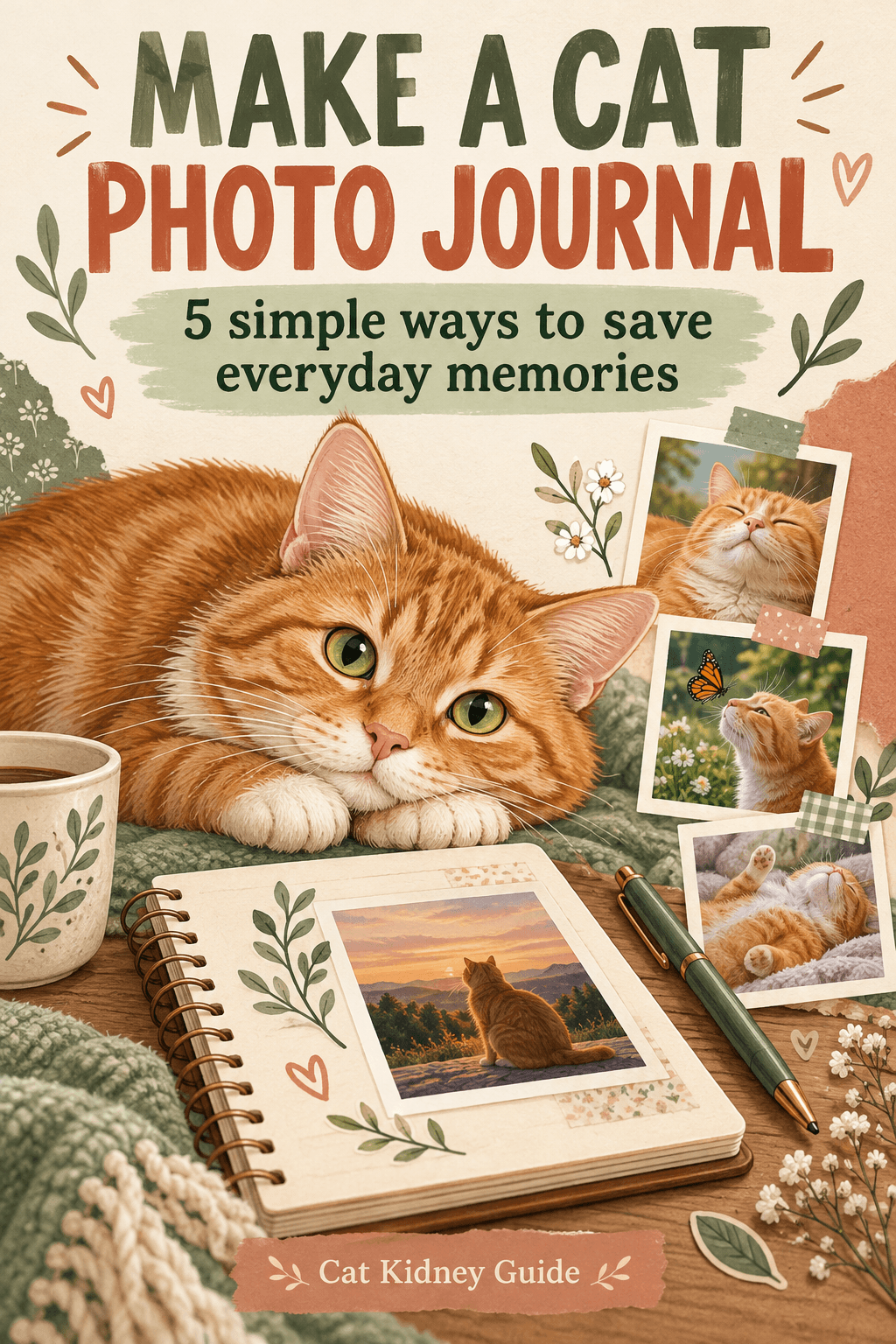
A camera roll can hold hundreds of cat photos and still make a favorite moment hard to find. A photo journal gives those everyday pictures a small amount of structure: a date, a short caption and one place to keep them. You can make it with folders, a notebook or a document you already use.
This journal is for memories. It is separate from veterinary records and does not interpret your cat's health or behavior.
1. Choose one home for your photos
Create a folder named Cat Photo Journal, then add a folder for each year and month. If you share your home with more than one cat, add the cat's name to the folder or filename. Choose a system you can keep using without a new subscription.
Keep the original photos. Put selected copies into the journal so that a collage, crop or caption does not replace your only original file.
2. Give each selected photo a useful filename
Use a date followed by a short description, such as YYYY-MM-DD_cat-name_window-nap.jpg. A consistent format makes it easier to browse a folder later. When the date is uncertain, label it approximate rather than inventing a precise day.
Avoid putting private details such as your address or a clinic account number into filenames you might share.
3. Add one sentence of context
A caption can record something the picture does not show: the name of the toy, the room or why the moment made you smile. Describe what you remember rather than assigning a medical meaning to the scene.
Fictional example: "Milo borrowed the blue blanket while I sorted the laundry." The cat and event in this example are invented; it is a formatting example, not a customer story.
4. Pick a small monthly collection
Choose a handful of favorites rather than turning every photo into a project. Try one close-up, one favorite spot, one play moment, one quiet moment and one detail such as whiskers or paws. These are prompts, not a required checklist.
Use existing photos whenever you can. Let your cat leave the scene, and skip a photo if making it would interrupt a comfortable moment. You do not need a staged pose to save a memory.
5. Make a second copy and check it
Copy the selected photos and captions to a second location you control, such as an external drive or your existing storage account. Open a few copied files to check that the pictures and captions are readable. A folder shortcut is not another copy of the photos.
Before sharing a page publicly, check the background for letters, addresses and other personal information. Keep a private version if you want to retain details that are not suitable for a public post.
A reusable entry
- Photo date, or an approximate date clearly marked
- Cat's name
- Original filename
- One-sentence caption
- Album or folder location
- Location of the checked second copy
Start with one photo you already love. A useful journal is one you can return to, even when you only add a few pictures at a time.