How to Organize Your Cat's Vet Records: A Simple Folder System
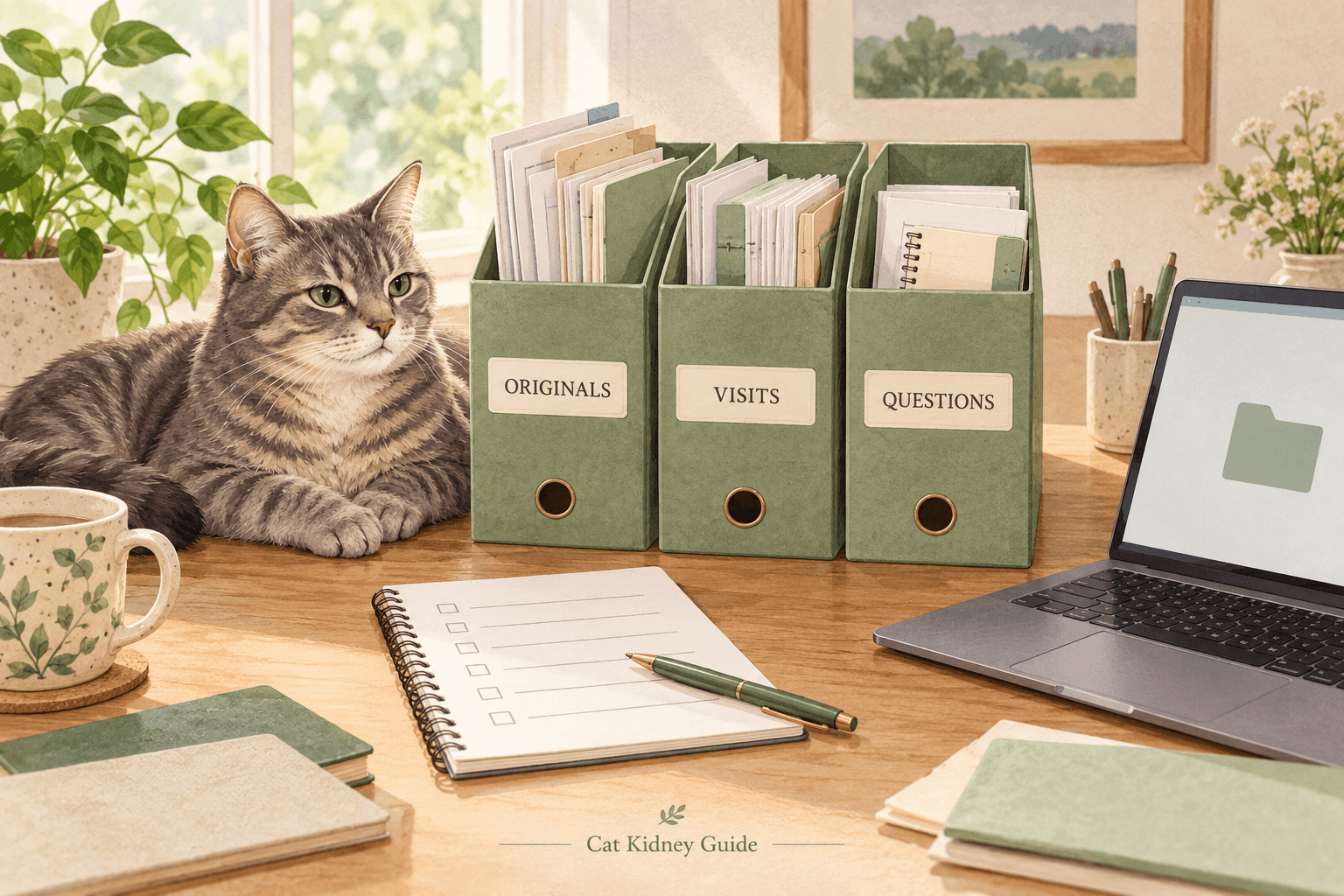
A report in an email, a discharge sheet on the kitchen table and a question in your phone notes can all belong to the same visit. A small filing system helps you find the original documents again without turning them into a second set of handwritten results.
This guide covers document organization and appointment preparation. It does not interpret results or tell you how to change your cat's treatment. Keep your veterinary team's instructions in their original form and ask the clinic to clarify anything you cannot read or understand.
1. Give original documents one permanent home
Create one private folder for each cat. Inside it, use four folders: Inbox, Originals, Visit Packets and Questions. These names are suggestions; paper dividers can serve the same purpose if you prefer a binder.
- Inbox: documents you have received but have not filed yet.
- Originals: the PDFs, images and written instructions as supplied by the clinic or laboratory.
- Visit Packets: copies of the documents selected for a particular appointment.
- Questions: your own notes and the questions you want to ask.
Move each new document out of the Inbox after filing it. Keep the clinic's complete file, including pages that look repetitive. A phone screenshot or a cropped image can be a convenient reference, but keep it separate from the complete original.
2. Use dates without guessing what they mean
Give a working copy a consistent name, such as YYYY-MM-DD_cat-name_document-type_original.pdf. Keep the file extension unchanged. If several files belong to one visit, add a short distinction such as lab-report, visit-summary or written-instructions.
Use the relevant date printed on the document and note whether it is a visit date or a report date. If a sample date, report date and download date differ, preserve those distinctions in your index. If you cannot tell which date applies, write date-uncertain and ask the clinic rather than inventing one.
Fictional filename example: 2026-10-10_Miso_lab-report_original.pdf. Miso and this file are invented to demonstrate naming; no patient result or clinical example is being presented.
3. Keep a short index that points to the files
An index can be a notebook page, document or simple spreadsheet. Give each received document one entry. You do not need to retype every number to make the archive useful.
- Cat's name and document title.
- Clinic or laboratory named on the document.
- Visit date and report date, labeled separately where available.
- Filename and folder location.
- Whether the file is complete and readable.
- Any question about a missing page or unclear label.
If you separately record a result for a conversation, retain its original units and reference interval alongside the source document. Do not fill gaps from memory or silently replace one version with another. Put your own notes in a clearly marked notes field so they cannot be mistaken for the clinic's wording.
4. Make a visit packet from copies
Before an appointment, ask the clinic which previous records they want and how they prefer to receive them. Create a packet for that appointment using copies of the relevant originals. Keep the archive intact rather than moving its only files into a temporary folder.
Add a short cover note with the cat's name, appointment date, an inventory of the attached files and your questions. If you include a list of current instructions, label when it was last checked and attach the veterinary team's source instructions. Ask the team to confirm unclear or conflicting versions instead of choosing one yourself.
This packet is a communication aid, not a replacement for the clinic's medical record. When a document is missing, ask for a copy instead of reconstructing the result from a screenshot or memory.
5. Track corrections and check a second copy
When the clinic sends a corrected document, keep it with a clear corrected label and record when it arrived. Mark the earlier copy as superseded in your index. Avoid silently editing the original text or deleting the earlier file while you are still clarifying the change.
Keep a second copy in storage you control. Open a few files from that copy and check the text and all pages. If you use paper, check that scans include both sides where needed and that the smallest text remains readable.
Share documents through the channel agreed with your clinic. Before putting an example online, check every page for names, addresses, account numbers and other private details. A public social post is not a private record archive.
A five-minute filing check
- Every new file has left the Inbox and has a known location.
- The complete original is kept, with dates labeled accurately.
- Your index points to the right file and separates notes from source text.
- Questions and any document corrections are clearly marked.
- The next visit packet uses copies, and a second copy opens correctly.
Start with the most recent visit rather than trying to rebuild years of files in one sitting. The useful outcome is straightforward: you can locate the document, show where it came from and bring a clear question to the veterinary team.